Menu

Call This Tuesday Get $50 Off Today

Delta Touch Faucet Troubleshooting

Delta Touch Faucet Troubleshooting

Turning on and off works as lights flashes to indicate that the device is on, but the touch…

Aug 19, 2020

If the Touch Does Not Work and There is No Water

Turning on and off works as lights flashes to indicate that the device is on, but the touch function is not working and there is no water:

Delta Touch Faucet Troubleshooting

  • First, clear the area underneath your sink to avoid any clogs or blockage happening, as you need to avoid anything touching the complex wiring.
  • Make sure that the water is turned on for your device.
  • If the problem persists, check your batteries. Pull them out for at least 30 seconds and reset the system.
  • Make sure that the wires are not touching any metal and are connected correctly. Look for any loose wires and adjust them to be in a position where they do not cross each other or touch anything that is metal.

Check the Color of the Flashing Light

  • If the light is blue, it indicates that the system is working properly
  • When the light turns slight red, it indicates that the batteries are low
  • When the light turns fully red, the batteries have been fully depleted.
  • Change the batteries to fix the error

If You Already Changed the Batteries and the Problems Persist

Check if both touch areas are affected or only one. If none of the touch areas respond to touch activation:

  • Disconnect your terminal from the batteries and make sure that your solenoid valve is connected properly.
  • Disconnect the solenoid from the battery pack and wait for at least 30 seconds for the solenoid to be reset. This way, you will have water, however, the touch problem might still persist.
  • Check if you have inserted the batteries correctly (positive and negative).
  • Plug the battery back to see if the problem has been solved and if any of the touch areas are reacting to touch activation.
  • If not, once again check if the cables are touching anything that is metal or crossing each other. If yes, adjust them.
  • Make sure, that the cable of the touch sensor and the cable of the handle are not touching each other as this could be blocking your touch system. Readjust these wires appropriately.

If Only One Touch Area is Not Properly Working

  • Check the wiring of the affected touch area and rearrange the wires properly.
  • In case the problem persists, seek professional assistance as more than one components might be affected and need to be replaced.
Plumbing Services
 
Plumber in Inglewood, CA

Plumbing Service Provider

Contact us


Our Services

Plumbing Services

Faucets & Kitchen Sink

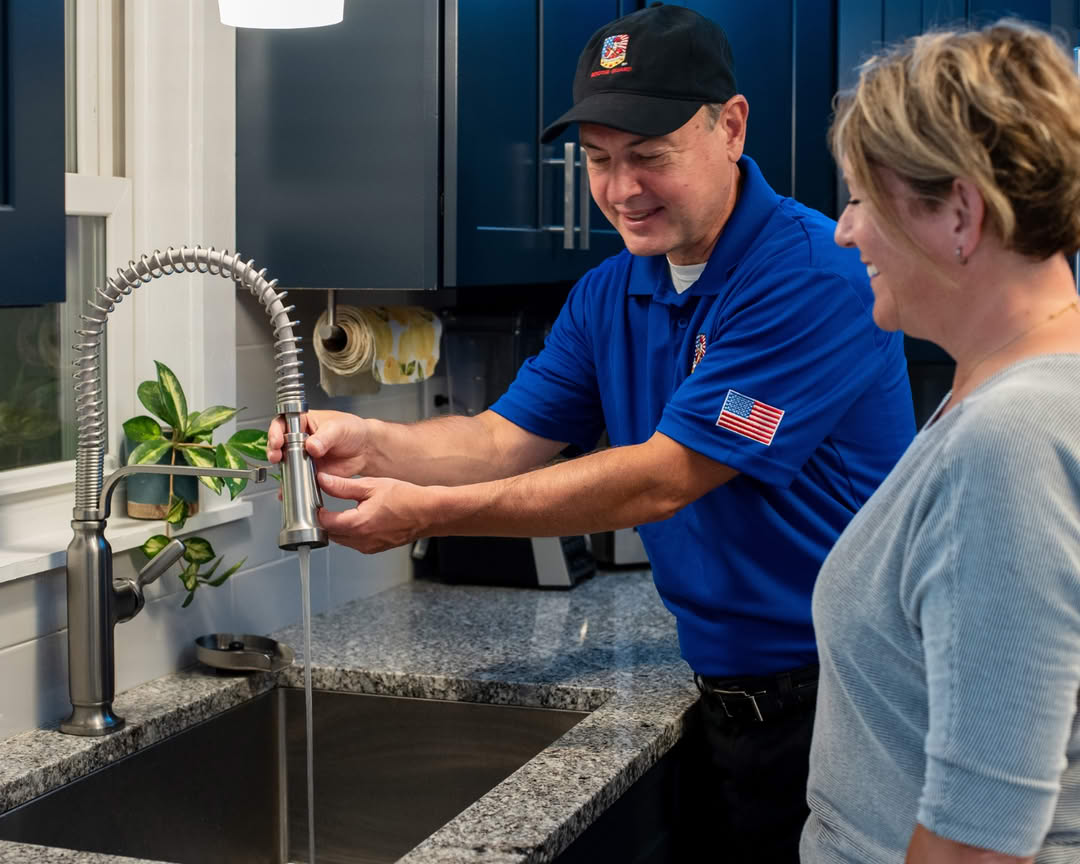
A kitchen stays busy all day. When something slows down the flow of…

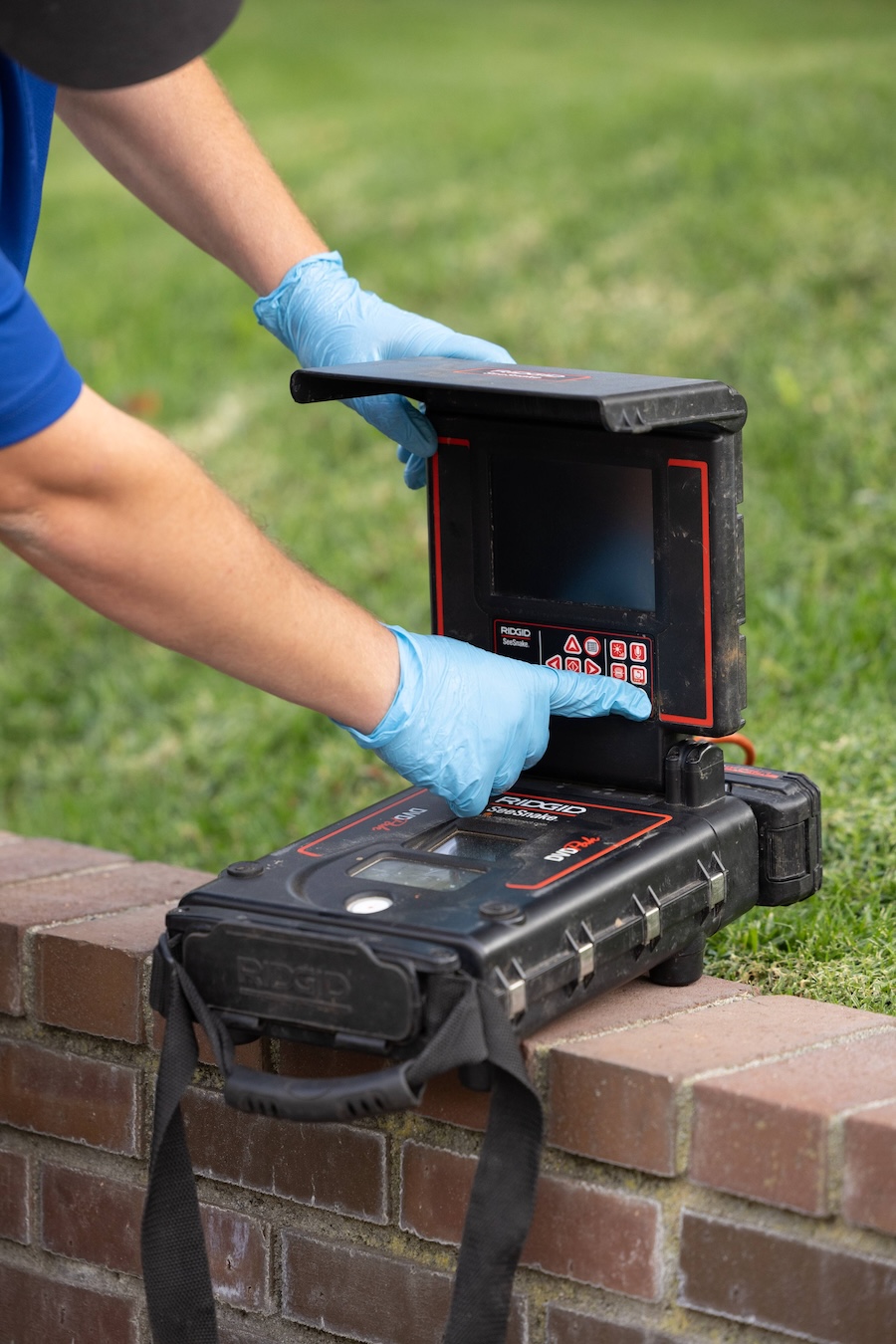
Camera Inspection

A good look inside a drain line tells you the truth faster than…

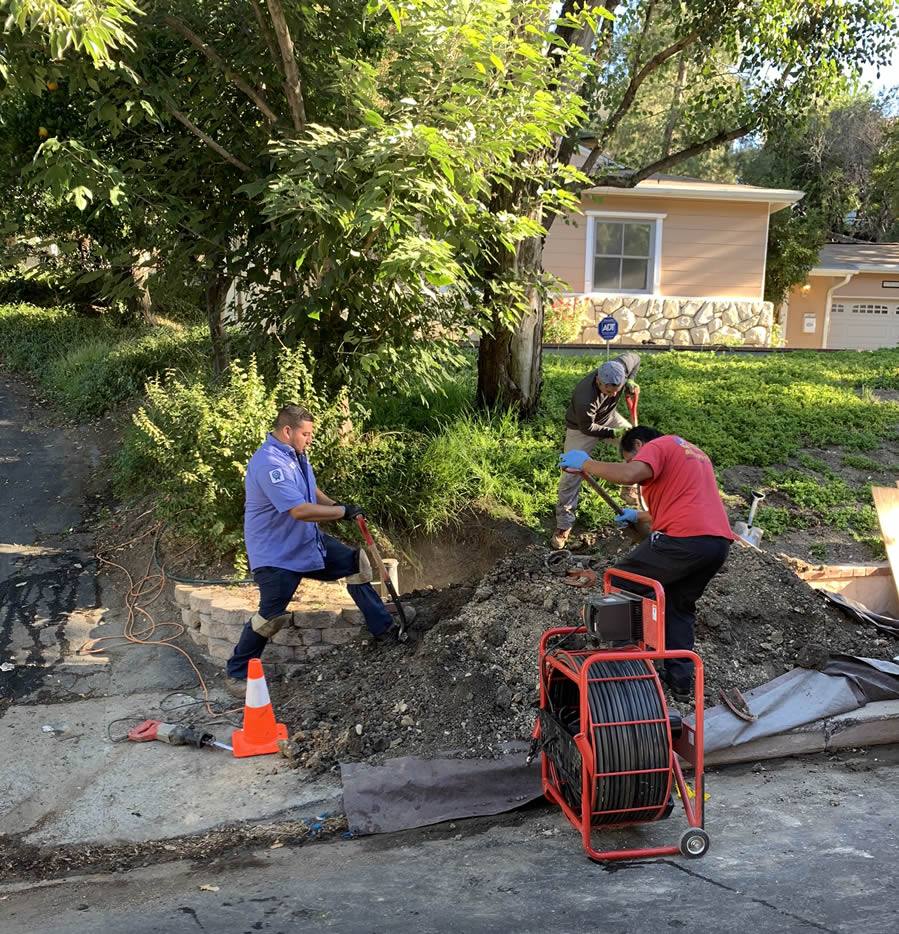
Sewer Repair

A sewer line problem interrupts daily life quickly. Rooter Guard sees this…

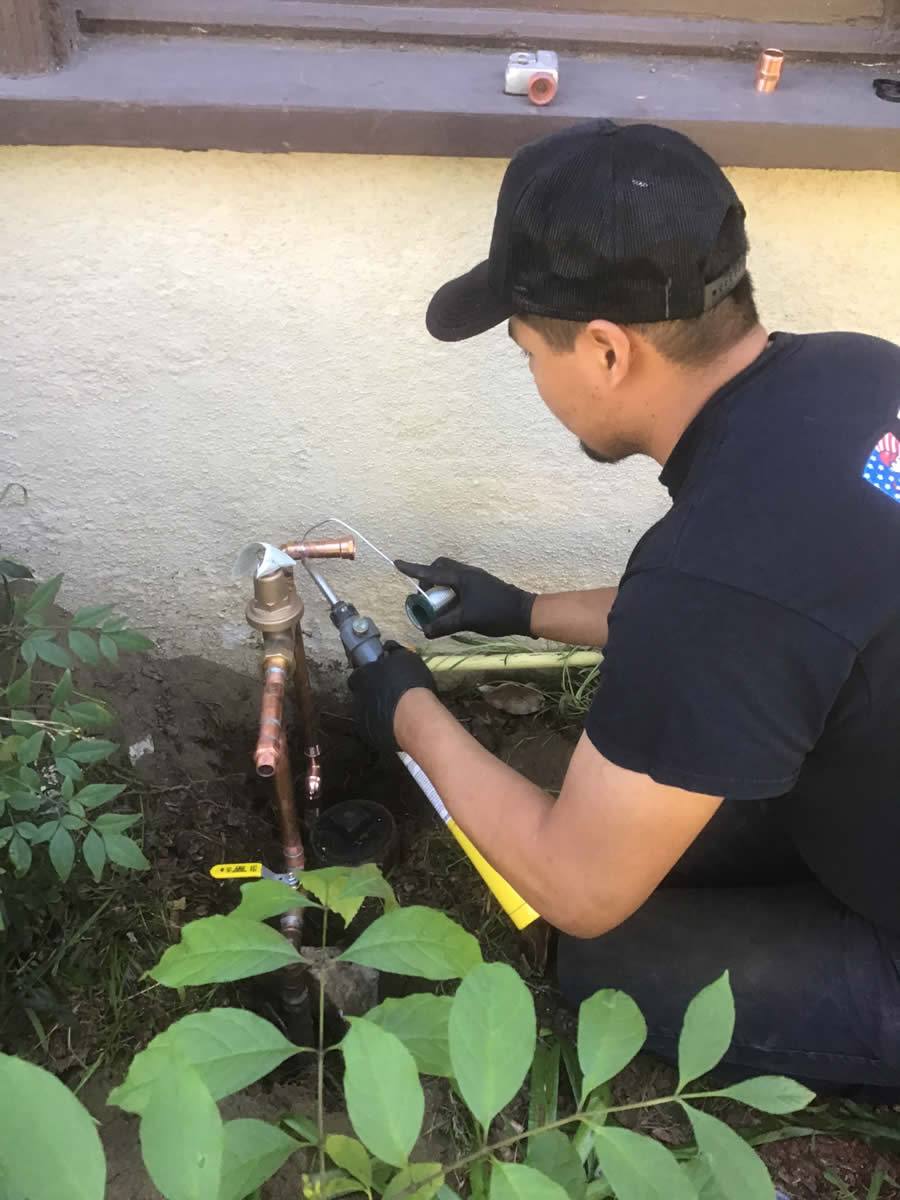
Repiping

A plumbing system reaches a point where repairs stop making sense. Many homeowners…

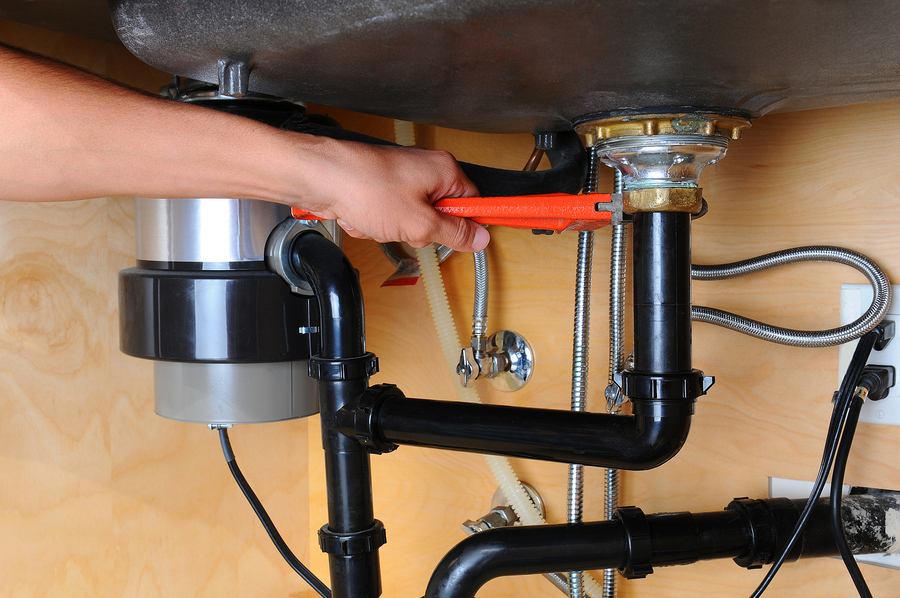
Garbage Disposal Replacement

A dead disposal can bring a busy kitchen to a stop. When that…
Call U Now 818-351-1810

Recent Blog & Blog Post

Blog Jan 17, 2026

Why Professional Faucet & Sink Service Is Worth It

When it comes to faucet & sink repair, it’s tempting to roll up your sleeves or hire a neighborhood handyman to tackle the job. However, taking a DIY approach isn’t worth the risk. Whether you’re dealing with a leaky faucet or a severe kitchen sink blockage, hiring a trusted plumbing…

Learn More